A language model does what you ask, not what you meant. Prompt engineering is the skill of closing that gap: writing requests with enough context, limits and detail that the model gives you something you can use.
Why vague prompts give generic results
A model like the ones behind ChatGPT or Claude writes its answer by predicting likely text, one piece at a time, from your request plus what it learnt in training. When your request leaves a decision open, the model still has to make it. It fills the gap with whatever is most typical, or with a confident guess.
Ask for 'a website' and every choice is open: the purpose, the pages, the colours, the framework, the copy. The model picks something for each one, and the result is a website. It just isn't yours. Nothing in the request said it should sell tuna, so it doesn't.
The model usually won't stop to ask, either. Chat models are tuned to answer straight away, so a vague request gets a fast, finished-looking reply rather than a list of questions. That is what makes vague prompts costly: the output looks complete, so the gaps are easy to miss. The model isn't a mind reader, and it won't tell you which parts it guessed.
The parts of a good prompt
The video named four things a good prompt adds. Each one removes a different kind of guessing.
Context
Context is what the model can't know unless you say it: who the work is for, what already exists, and why you want it. 'The site is for a freelance illustrator who wants more commissions' changes the copy, the layout and what goes at the top of the page. For code, it is the code you already have and the exact error you're seeing.
Constraints
Constraints narrow the range of acceptable answers: a dark theme, React, three sections, under 200 words, no extra libraries. Each one is a decision you've made so the model doesn't have to. Constraints are also how you rule out what has gone wrong before, such as 'no gradients' or 'keep the function's signature as it is'.
Examples
An example shows the model what good looks like faster than a description can. If you want commit messages in a particular style, paste two you like. If you want data pulled out of text into a fixed shape, show one input and the output you expect. Putting a few worked examples in the prompt is often called few-shot prompting, and the model follows their pattern.
Choose them with care. The model copies their length and tone, including quirks you didn't intend.
A clear goal
The goal says what done looks like and what shape the answer should take. 'Help me with my portfolio' has no finish line. 'Write the HTML and CSS for the About section' does. Naming the format you want back (a table, a JSON object, a numbered list, one function) saves you reshaping the answer afterwards.
A worked example
Here is the vague version, the way most people first write it:
Build an app.And a version with all four parts:
Build a portfolio website for a freelance
illustrator.

Context: a single page, built with React.
Visitors are art directors looking to hire.

Constraints:
- Dark theme, one accent colour, no gradients
- Three sections: About, Work, Contact
- The contact form has name, email and
  message fields, and checks the email

Goal: return each component as its own file,
then list any assumptions you made.
The second prompt is longer, but every line removes a guess. The model no longer chooses the audience, the stack, the colours, the sections or the form fields. The last line asks it to list its assumptions, which shows you the decisions it still had to make, so you can correct them in your next message.
Plan on a second message. Prompting usually takes a few rounds: read the first answer, spot where it drifted, and add the context or constraint that would have prevented it. Over time you also learn which details your requests tend to leave out.
Techniques for harder tasks
Beyond the four parts, a few habits help when the task is bigger or trickier:
- Split big jobs into steps. 'Plan the page structure', then 'build the Work section', gets better results than one prompt for a whole app, because you can check and correct each step.
- Ask for reasoning on tricky problems. For a bug or a maths problem, asking the model to work through it step by step before answering often catches mistakes it would otherwise make.
- Separate your instructions from your material. When you paste in a document or code, mark clearly where it starts and ends, with a heading or a line of dashes, so the model doesn't mix up your data and your instructions.
- Give it a role when that helps. 'Review this as a security engineer would' points the model at one set of concerns. It doesn't add knowledge, but it changes which details the model treats as important.
Common mistakes
- The model doesn't know your project. It only knows what is in the conversation, plus any files or tools you've connected. Your codebase and your users are invisible to it unless you describe them.
- Confident output can still be wrong. Models can state made-up facts, function names or library options in the same calm tone as correct ones, so check anything that matters. That failure has its own name: AI hallucinations.
- A prompt with ten unrelated requests tends to get a shallow answer to each. Send them separately.
- Contradictions force a guess. Ask for 'keep it short' and 'explain every option in detail' in the same prompt, and the model has to pick one, which may not be the one you meant.
Where prompt engineering stops
A good prompt makes the most of what the model already has. It can't give the model knowledge it lacks, or make it reliable on facts it never saw. For that, teams turn to neighbouring techniques:
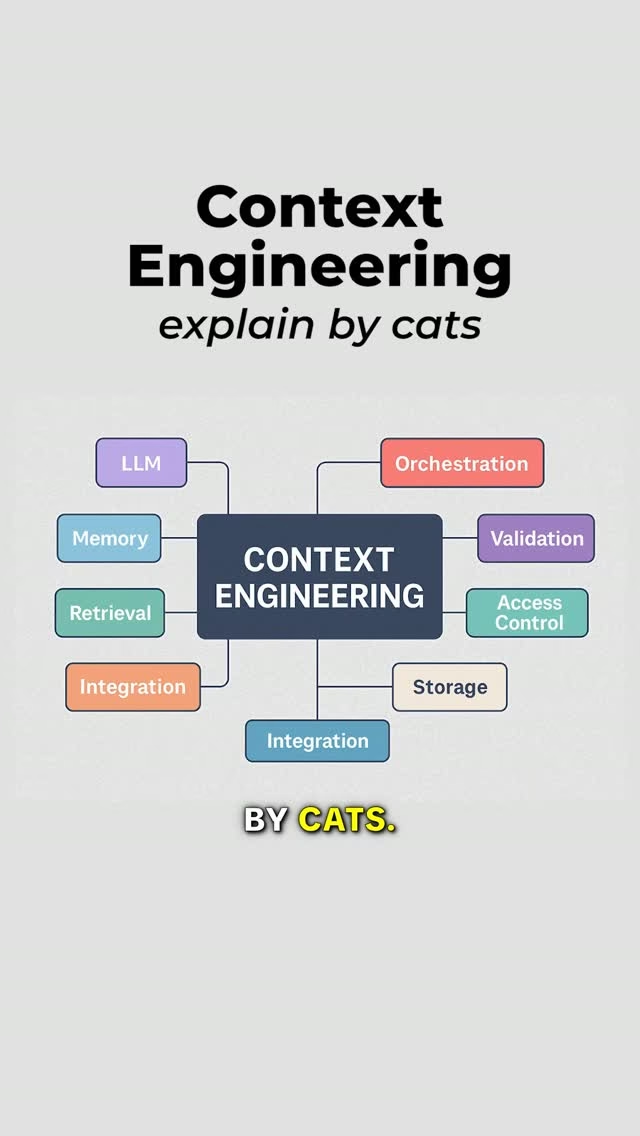
- Context engineering is about everything the model sees, not only your request: the documents, tool results and conversation history around the prompt. Context Engineering covers it.
- Retrieval-augmented generation looks up relevant documents and adds them to the prompt automatically, so answers can draw on your own data. See RAG.
- Fine-tuning trains the model further on examples, for a style or behaviour that prompting can't hold steady.
Prompting is the cheapest of these to try, so it usually comes first. When a carefully written prompt still can't get there, that is the sign to reach for one of the others.
Key takeaways
- A model fills every gap in a prompt with a typical guess, so vague requests get generic results.
- Good prompts add context, constraints, examples and a clear goal, and each one removes a different kind of guessing.
- Asking the model to list its assumptions shows you what to correct next.
- Treat prompting as a conversation: read the answer, then add what was missing.
- Check confident answers, and reach for context engineering, RAG or fine-tuning when a prompt alone can't get there.