AI coding tools can now write functions, fix bugs and explain errors in seconds, so it is fair to ask whether developers are on the way out. The honest answer is that AI is changing the job rather than ending it, and the developers who do well are the ones who understand code well enough to tell when the AI is wrong.
What AI coding tools are good at
Tools such as GitHub Copilot, ChatGPT and Claude are built on large language models (LLMs). An LLM has learnt patterns from a huge amount of text and code, and it writes by predicting what is most likely to come next.
That makes it strong wherever the answer follows a well-worn pattern:
- Boilerplate: the setup code, config files and repetitive functions every project needs.
- First drafts: a working starting point for a function you can describe in a sentence.
- Explaining errors: turning a long traceback into plain words.
- Translating: moving a snippet from one language or library to another.
- Speed: producing a lot of code very quickly.
None of this is trivial. Used well, these tools save real time, which is why so many developers now use them every day.
Why AI sounds right when it is wrong
The same strength is also the weakness. An LLM produces what looks like a good answer, and looking right is not the same as being right. Unless it is connected to tools that run the code, it has not checked whether what it wrote works. It also writes in the same calm, confident tone whether it is correct or not, so the tone tells you nothing.
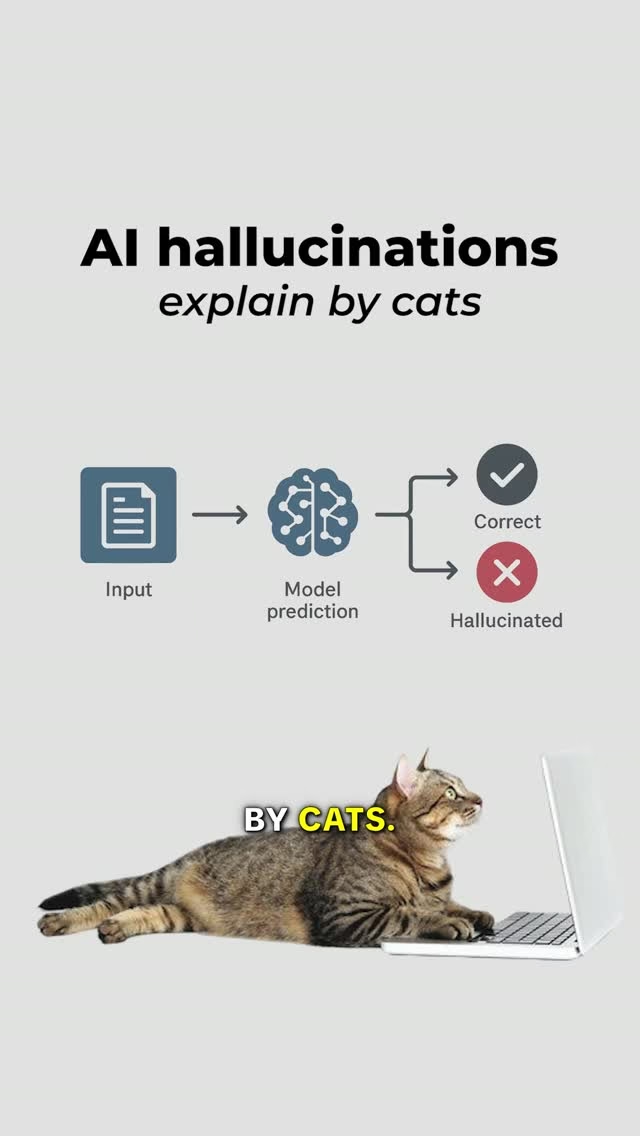
When a model states something false with confidence, it is called a hallucination. In code, that tends to show up in three ways.
Methods that do not exist
Ask for a way to reverse a string in Python and you might get this:
text = "kitty"
print(text.reverse())
It looks reasonable, because Python lists do have a reverse() method. Strings do not, so this fails with AttributeError: 'str' object has no attribute 'reverse'. The working version uses slicing:
text = "kitty"
print(text[::-1])  # yttik
The same thing happens with whole packages. A model can suggest installing a library that has never existed, and attackers have registered such invented names with harmful code inside, waiting for someone to install them without checking.
Missed edge cases
An edge case is an input at the limits of what the code expects: an empty list, a zero, a negative number, a very long string. AI-generated code usually handles the typical case and quietly skips these, because the typical case is what most example code shows.
Code that looks clean but breaks
Neat formatting, good names and helpful comments make code look trustworthy. They say nothing about whether the logic is right. Tidy code that crashes on real data is still broken.
A worked example: reviewing a suggestion
Say you ask an AI for a function that returns the name of the highest-scoring player. It gives you this:
def top_scorer(players):
    best = players[0]
    for p in players:
        if p["score"] > best["score"]:
            best = p
    return best["name"]
It is short, readable and correct for the example you had in mind. Now review it the way a developer should.
- Read it. Make sure you can say what every line does. It starts with the first player and swaps in anyone with a higher score.
- Check the logic. What if two players tie? The
>means the first one found keeps the top spot. Maybe that is what you want, maybe not, but now it is a decision rather than an accident. - Test the output. Try the obvious case, then the awkward ones.
players = [
    {"name": "Kitty", "score": 7},
    {"name": "Tom", "score": 9},
]
print(top_scorer(players))  # Tom
print(top_scorer([])) # IndexError- Spot the bad idea.
players[0]assumes the list is never empty. With no players, the function crashes instead of saying there is no winner. - Ask a better question. Instead of 'write a function to find the top scorer', ask 'what should happen when the list is empty or two players tie?'. That is a question about what your program needs, and only you can answer it.
Once you have decided, the fix is small:
def top_scorer(players):
    if not players:
        return None
    best = max(players, key=lambda p: p["score"])
    return best["name"]
max with a key returns the first highest item it finds, so ties behave as before, and an empty list now returns None instead of crashing. Every step of that review relied on knowing Python, not on the AI.
Why the fundamentals still matter
If you do not understand variables, functions, loops, debugging and how programs actually run, you cannot tell whether the AI is helping or making a bigger mess. Each of those basics maps to a mistake from above:
- Variables and types tell you a string is not a list, so
text.reverse()looks wrong before you run it. - Loops let you trace what happens on the first pass, the last pass and when there is nothing to loop over.
- Functions make you think about inputs and outputs: what goes in, what comes out, and what happens with odd input.
- Debugging is reading a traceback, reproducing the problem and narrowing it down. See Error Handling for how code should fail when things go wrong.
- How programs run helps you judge whether a suggestion is slow, unsafe or simply in the wrong place.
Without these, a common pattern takes over: paste the AI's code, hit an error, paste the error back, paste the new code. Each round can fix one symptom and add another problem, and because you never understood the original code, you cannot see the mess growing.
How the job is changing
Typing code was never the whole job. Developers work out what a problem actually needs, choose between trade-offs, make sure the result works, and keep it running after it ships. AI speeds up the typing. It does not remove the rest, and in some ways it adds to it.
- More reading than writing. When code arrives in seconds, reviewing it becomes the slow and important part.
- More testing. Tests are how you prove that code you did not write by hand behaves as intended.
- Clearer questions. The quality of what you get depends on how well you describe the problem, the constraints and the edge cases.
- The same responsibility. When you commit AI-written code, it is your code. If it breaks in production, 'the AI wrote it' does not fix anything.
So the developer who does well is not the one who lets AI do the thinking. It is the one who knows the fundamentals well enough to use AI wisely, and who keeps learning the tools as they change.
Using AI well while you learn
- Try it yourself first. Attempt the problem, then compare your answer with the AI's. You learn from the differences.
- Ask for explanations, not just code. Then check the explanation against the official docs.
- Work in small pieces. One function you fully understand beats a whole file you do not.
- Check that it exists. Before using an unfamiliar method, function or package, look it up in the official documentation or package registry.
- Test the awkward inputs. Empty, zero, negative, missing and very large values are where AI code often slips.
- Never commit code you cannot explain. If you could not walk a teammate through it, you are not ready to own it.
Common mistakes
- Trusting confidence. A fluent, certain answer can be just as wrong as a hesitant one.
- Stopping at 'it runs'. Code that works once on the example you had in mind has not been tested.
- Asking the AI to check itself. It can confidently confirm its own mistakes. Run the code and read the docs instead.
- Skipping the basics. Leaning on AI before you understand the code leaves you unable to fix it when it breaks.
- Refusing the tools entirely. They are part of the job now. Learning to use them well is a skill in itself.
Key takeaways
- AI coding tools are fast and useful, but they can sound right while being wrong.
- Watch for invented methods and packages, missed edge cases and tidy code that breaks.
- Review AI code properly: read it, check the logic, test the output, spot bad ideas and ask better questions.
- Fundamentals are what let you judge the AI's work, so keep learning them.
- AI is not replacing every developer, but it is changing the job towards reviewing, testing and deciding.