Guardrails are the safety layer around an AI model. They check what goes in, limit what the model can do, and review what comes out, so a helpful but over-confident assistant can't leak private data, call the wrong tool or make a mess before anyone notices.
Why a good model still needs guardrails
A language model is very helpful and very fast, and also occasionally too confident. It predicts likely text, so it can be talked into things, misread a request or state something false with total certainty. On its own in a chat window, that is an annoyance. Connected to your customers, your files and your tools, it is a risk.
Without guardrails, an assistant might:
- Leak private data, such as another customer's address that was in its context.
- Call the wrong tool, like deleting a record when it meant to read one.
- Make promises it can't keep, such as a refund nobody approved.
Guardrails don't make the model perfect. They keep it inside safe boundaries, at three points: before, during and after it works.
Input guardrails: check what goes in
Input guardrails inspect a prompt before the AI sees it, and block what shouldn't get through:
- Prompt injection: text that tries to override the assistant's instructions, such as 'ignore your previous instructions'. It can come from the user, or hide inside a web page or document the assistant reads.
- Jailbreak tricks: role-play or wording designed to talk the model out of its rules.
- Off-limits requests: topics the product shouldn't touch at all.
The hidden kind of injection is the harder case: the user is innocent, but an email or web page the assistant reads contains instructions. So input checks should cover everything that enters the model's context, not just what the user types.
Processing guardrails: limit what it can do
Processing guardrails control what the AI can access while it works: which files, which tools, which database. This matters most for AI agents that act as well as talk.
The rule of thumb is least privilege: give the assistant only the access its job needs. A support bot that looks up orders needs to read the orders table, not delete from it.
For risky actions, the guardrail can turn 'do it' into 'draft it'. Instead of sending that email or issuing that refund, the assistant prepares it and a person approves it. This is often called keeping a human in the loop.
Output guardrails: review what comes out
Output guardrails review the response before it reaches the user, and stop it or fix it if something is wrong:
- Leaked private data: card numbers, emails, internal notes.
- Advice it shouldn't give: invented legal or medical advice.
- Promises it isn't allowed to make: 'You'll get a full refund today.'
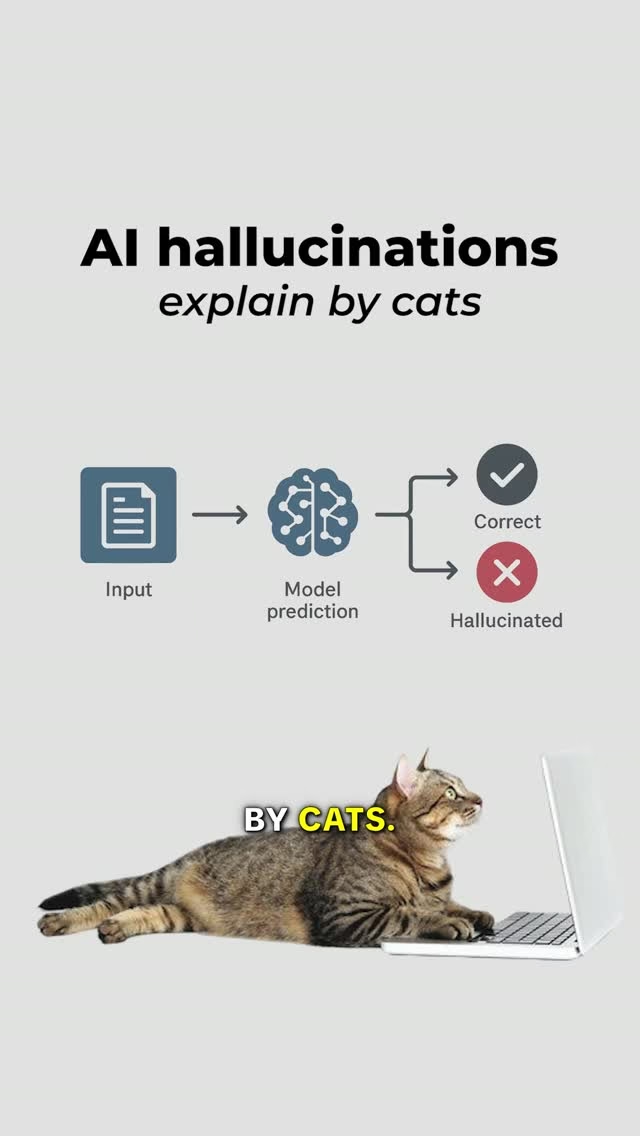
- Made-up facts: answers that don't match the sources, the problem covered in AI hallucinations.
Here are all three layers working on one support conversation:
One support request passing three guardrails
Step 1 of 7: A customer asks the assistant to cancel an order and email a confirmation.
Two ways to build a guardrail
Simple rules
Some guardrails are simple rules: a regex, a keyword check, format validation. They are fast, predictable and easy to test, because the same input always gets the same result. Here is a small Python version of one rule for each layer:
import re

INJECTION = re.compile(
    r"ignore (all |your )?previous instructions", re.I)
CARD = re.compile(r"\b\d(?:[ -]?\d){12,15}\b")

ALLOWED = {"look_up_order", "draft_email"}
NEEDS_HUMAN = {"send_email", "issue_refund"}

def check_input(prompt):
    if INJECTION.search(prompt):
        return None  # blocked
    return prompt

def check_tool(name):
    if name in ALLOWED:
        return "run"
    if name in NEEDS_HUMAN:
        return "ask a human"
    return "refuse"

def check_output(reply):
    return CARD.sub("[card removed]", reply)
check_input blocks a well-known injection phrase. check_tool runs safe tools, sends risky ones to a person and refuses anything it doesn't recognise, so a new tool is blocked until someone decides otherwise. check_output turns 'Your card 4111 1111 1111 1111 is on file' into 'Your card [card removed] is on file'.
The weakness is just as clear. 'Disregard what you were told earlier' sails straight past that injection rule, because it only matches the exact wording.
Smaller models that judge context
Other guardrails use smaller models, often called classifiers, to judge context: is this toxic, biased, off-brand, hallucinated? A classifier can tell that 'disregard what you were told earlier' means the same as the phrase the regex looks for, and it can judge tone in a way no keyword list can.
The trade-off is that a classifier is slower, costs money to run, and is itself a model, so it can be wrong in both directions: missing a real problem, or blocking something harmless. Results can also vary between runs, the idea behind deterministic vs non-deterministic systems.
Most real systems use both: cheap rules first to catch the obvious cases, then a classifier for the subtle ones.
Common mistakes
- Only guarding the output. By then the model may already have called a tool. Check inputs and permissions too.
- Trusting the system prompt alone. 'Never reveal customer data' in the instructions is a request, not a guardrail. Enforce limits in code, outside the model.
- Blocking too much. A guardrail that rejects half of normal requests makes the product useless. Measure false alarms as well as catches.
- Setting them once and forgetting them. Attackers find new tricks and products add new tools. Review what guardrails block and what slips past.
Key takeaways
- Guardrails are the safety layer around a model: they check what goes in, what the model can do and what comes out.
- Input guardrails block prompt injection, jailbreaks and bad instructions before the AI sees them.
- Processing guardrails limit files, tools and data, and can turn risky actions into drafts for human approval.
- Output guardrails stop leaked data, invented advice and unauthorised promises before they reach the user.
- Simple rules are fast and predictable; smaller models judge context. Most systems use both.