Jira is Atlassian's tool for tracking a team's work. Every task, bug and feature becomes a ticket that moves across a board from To Do to Done, so anyone can see who is doing what and what is stuck.
Work items, the building blocks
Each piece of work in Jira is a ticket. Jira long called these issues and now calls them work items, so you will hear both. A work item has a type, such as a bug, a task or a story (a feature described from the user's point of view). It also has a summary, a description, an assignee and a status.
Every work item gets a key made from the project's short name and a number, like SHOP-42. People paste the key into commit messages and pull requests so everyone points at the same piece of work. With a code host connected, Jira links branches and commits that mention the key back to the ticket.
Workflows and boards
A workflow is the list of statuses a work item can pass through, and the moves allowed between them. The simplest is To Do, In Progress and Done. Many teams add steps such as In Review or Testing.
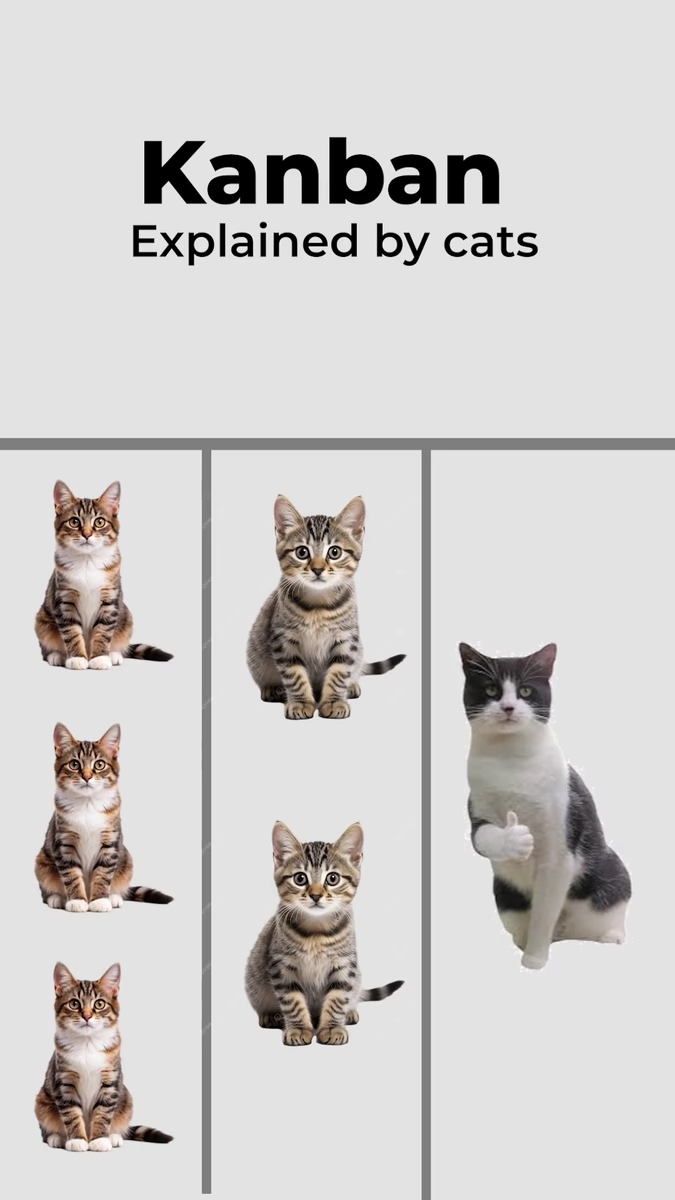
A board shows the workflow as columns. Each work item is a card, sitting in the column that matches its status.
A worked example
A customer reports that the checkout button does nothing on mobile. Someone creates a bug, SHOP-42, writes down how to reproduce it and sets its priority. A developer assigns it to themselves and drags the card to In Progress.
They put the key in their branch name, open a pull request and move the card to In Review. Once the fix ships, the card lands in Done. At every step, anyone can open the board and see where the bug is without asking.
Scrum and Kanban in Jira
Jira offers two kinds of board, matching two common ways of running an agile team. A Scrum board groups work into sprints: short, fixed periods with a planned set of work, taken from a backlog. A board has no sprints. Work flows through continuously, and teams often cap how many cards can sit in a column at once.
Wondering how this was made? How we make these